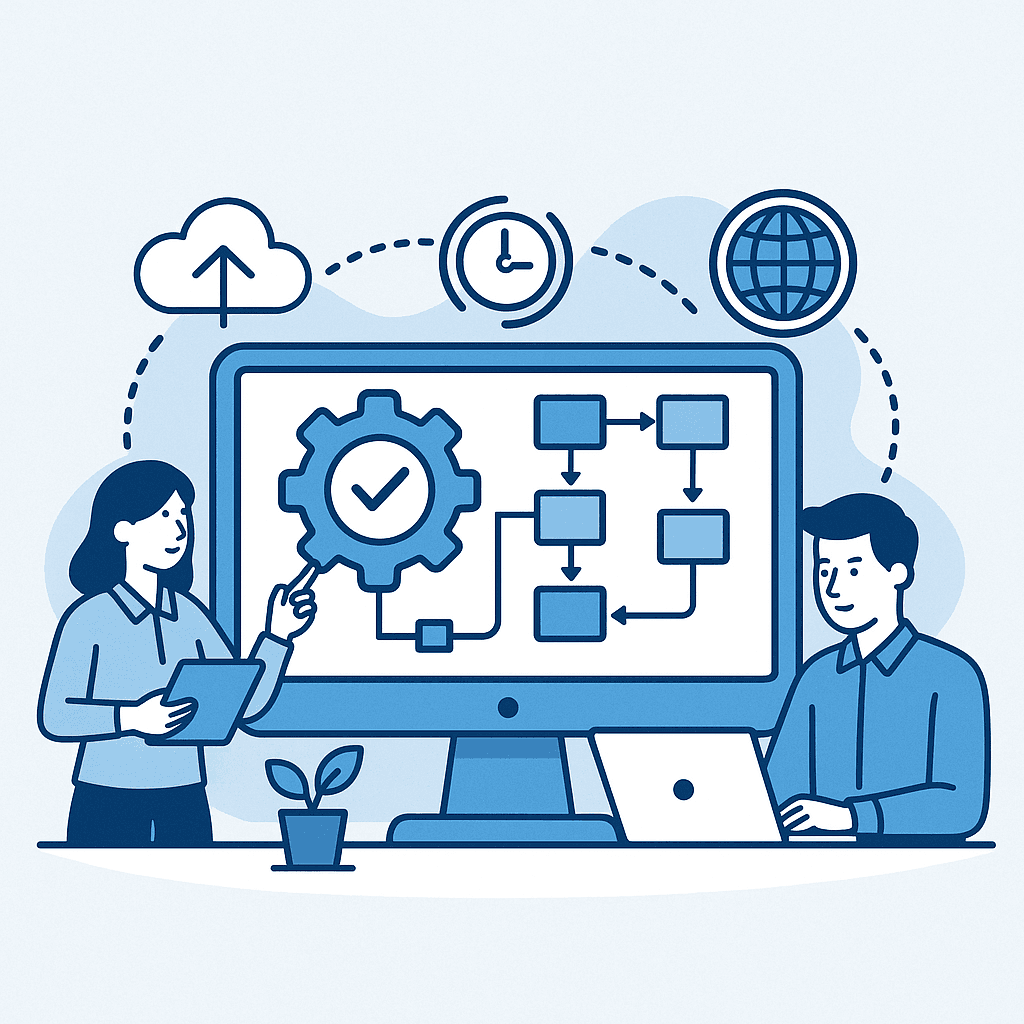
How to Build a Custom Digital Automation Platform
A custom digital automation platform is a software environment designed to automate and coordinate business workflows across teams, systems and data sources.
It is not just a dashboard.
It is not just an internal tool.
It is not just a set of scripts.
A real automation platform combines interfaces, workflows, integrations, business rules, data flows, monitoring and reporting into one operational system.
This guide explains how to design and build one.
What Is a Custom Digital Automation Platform?
A custom digital automation platform is a tailored software system that helps a company execute processes more efficiently.
It can include:
- internal user interfaces
- workflow engines
- approval systems
- API integrations
- database layers
- automation rules
- notification systems
- document generation
- operational dashboards
- audit trails
- reporting layers
The platform is custom because it is built around the company’s real business processes, not around the limitations of a generic tool.
When Does a Company Need an Automation Platform?
A company may need a custom automation platform when workflows become too complex for spreadsheets, emails or disconnected SaaS tools.
Common signs include:
- teams repeat the same manual tasks every week
- business data is duplicated across systems
- approvals are slow and difficult to track
- operations depend on Excel files
- ERP or CRM systems do not cover specific workflows
- reporting requires manual preparation
- users need to switch between too many tools
- managers lack visibility on process status
- exceptions are handled outside the system
At this stage, adding another SaaS tool may not solve the problem. The company may need a custom execution layer that connects the existing environment.
Core Components of a Custom Automation Platform
A strong automation platform usually includes several core components.
1. User Interface
The interface allows teams to submit requests, review tasks, approve items, track status and interact with data.
The interface should be simple, role-based and aligned with the daily workflow.
2. Workflow Engine
The workflow engine defines how tasks move from one step to another.
It can manage statuses, approval rules, assignments, escalation rules and exceptions.
3. Business Rules
Business rules ensure that automation follows the company’s logic.
Examples include amount thresholds, eligibility checks, mandatory fields, duplicate detection, regional rules or customer risk categories.
4. Integration Layer
The platform should connect with existing systems such as ERP, CRM, databases, BI tools, payment platforms or external APIs.
5. Data Layer
The data layer stores structured information, workflow history, user actions, operational statuses and reporting data.
6. Monitoring and Logs
Monitoring helps teams identify failures, exceptions, delays and integration issues.
7. Reporting Layer
The reporting layer exposes operational KPIs, workflow volumes, cycle times and bottlenecks.
Platform Architecture
A custom automation platform can be designed with a modular architecture.
A typical architecture includes:
- frontend application
- backend API
- authentication and authorization
- relational database
- workflow logic
- integration services
- scheduled jobs
- notification service
- logging and monitoring
- reporting or BI connection
This architecture allows the platform to evolve gradually.
The first version might automate one workflow. Later, the same foundation can support additional workflows, departments and integrations.
Step 1: Define the Business Problem
The first step is not technical.
It is business-oriented.
You need to define:
- what process is slowing the business down
- who is affected
- how much time is lost
- where errors happen
- which systems are involved
- what should be automated
- what should remain manual
- what success looks like
Without this clarity, the platform risks becoming a complex tool without a clear operational purpose.
Step 2: Map Users and Roles
A custom platform must reflect how people work.
Typical roles may include:
- requester
- approver
- administrator
- manager
- finance user
- operations user
- sales user
- external partner
- auditor
Each role needs specific permissions, screens and actions.
Role-based design improves usability, security and adoption.
Step 3: Model the Workflow
The workflow model defines the lifecycle of each item.
For example, a request might move through the following statuses:
- draft
- submitted
- under review
- approved
- rejected
- in progress
- completed
- archived
Each status should have clear rules: who can move the item, what data is required and what automation is triggered.
Step 4: Design Integrations
Automation platforms become powerful when they connect systems.
Integration examples include:
- creating ERP records
- updating CRM statuses
- sending data to a BI platform
- generating files or PDFs
- sending notifications
- checking payment information
- retrieving product or customer data
- synchronizing with external APIs
A good integration design should include error handling, logs and retry mechanisms.
Step 5: Build the MVP
The MVP should focus on the most valuable workflow.
It should not try to cover every process in the company.
A good MVP includes:
- core users
- core screens
- core workflow statuses
- essential business rules
- one or two key integrations
- basic monitoring
- basic reporting
This creates fast feedback and reduces project risk.
Step 6: Add Governance and Security
Automation platforms often handle sensitive operational data.
Security and governance should include:
- authentication
- role-based access
- data validation
- audit trails
- environment separation
- secure API calls
- backup strategy
- logging
- access review
Good governance makes automation reliable and acceptable for business-critical workflows.
Common Mistakes to Avoid
Avoid these mistakes when building a custom digital automation platform:
- automating a poorly understood process
- building too many features in the first version
- ignoring user experience
- connecting systems without error handling
- failing to define data ownership
- skipping audit trail requirements
- treating reporting as an afterthought
- building scripts instead of a maintainable platform
The best platforms are simple at the user level and robust at the architecture level.
How Datilog Helps
Datilog helps companies design and build custom digital automation platforms that connect workflows, data and systems.
We help define the business process, design the software architecture, build the interface, integrate systems and create the automation logic needed for scalable execution.
The result is a platform that reduces manual work, improves visibility and gives teams a more reliable way to operate.
Start your automation platform project with Datilog
Related Datilog resources
To go deeper into this topic, explore these Datilog resources:
- Custom Business Workflow Automation & Internal Tools
- How to Automate Business Workflows With Custom Software
- Custom Internal Tools Development Guide
- Data Workflow Automation
Related Workflow Automation Resources
If you are evaluating a custom automation platform, these resources complete the same workflow automation cluster:
- Custom Workflow Software vs Off-the-Shelf Tools
- Custom Internal Tools Development for Operations Teams
- Replace Manual Business Workflows
- Workflow Automation Opportunity Checklist
- Workflow Automation Glossary
- Custom Development & Automation
A strong automation platform is not only a collection of screens. It connects workflow rules, operational data, integrations, dashboards and governance.


