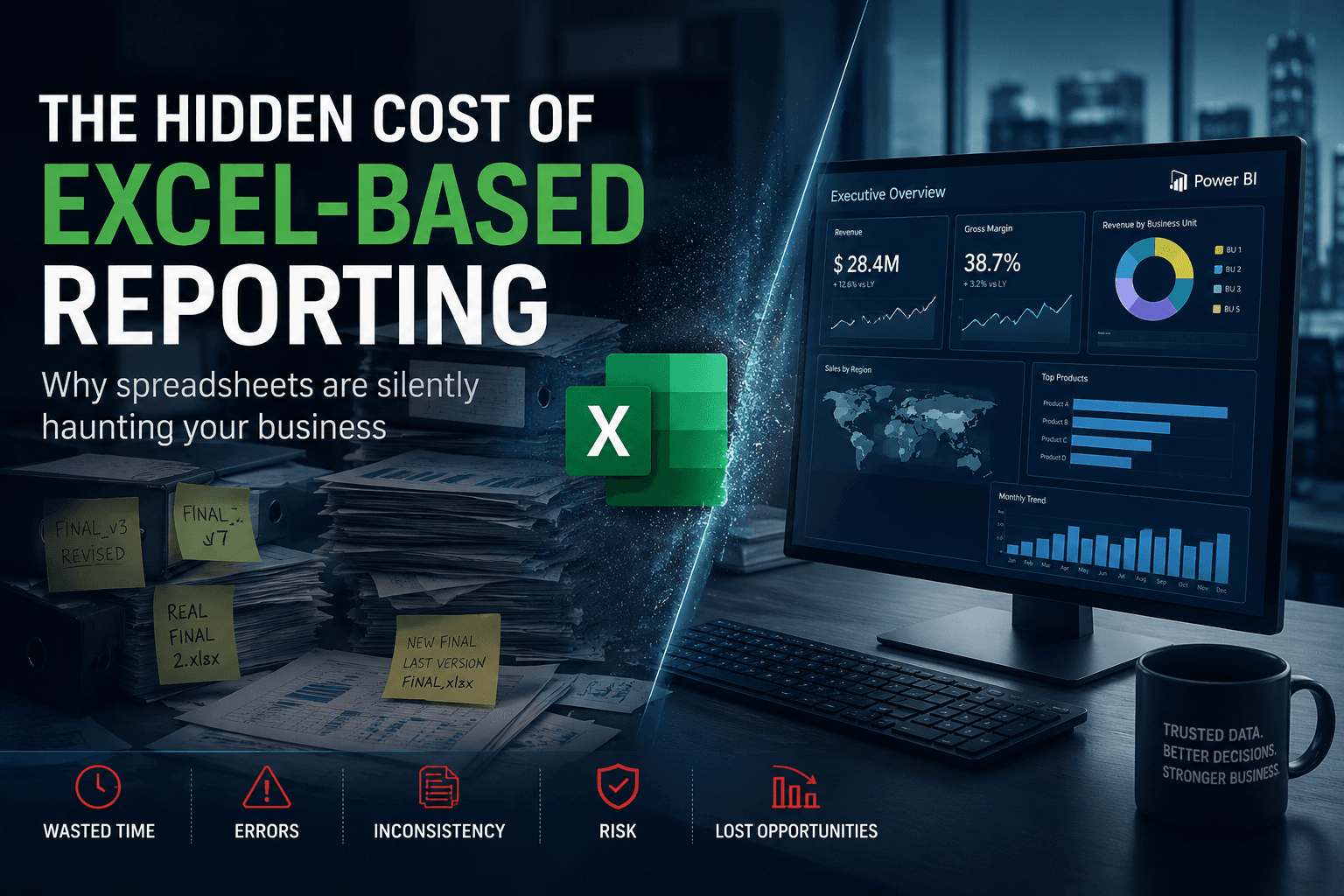
Data Workflow Automation: From Excel to Real-Time Operations
Excel is one of the most powerful tools in business.
It is flexible, familiar and fast to use. But when Excel becomes the main operating system of a company, it can create serious operational limits.
Many teams still rely on spreadsheets to manage:
- reporting preparation
- data validation
- stock adjustments
- order follow-up
- customer lists
- finance controls
- KPI reconciliation
- project tracking
- supplier files
- approval workflows
At the beginning, this is practical. Over time, it becomes fragile.
Data workflow automation helps companies move from manual spreadsheet-driven operations to controlled, connected and real-time workflows.
What Is Data Workflow Automation?
Data workflow automation is the automation of processes that collect, validate, transform, move and expose operational data.
It connects data with business execution.
A data workflow can include:
- importing files
- validating fields
- detecting duplicates
- enriching records
- applying business rules
- synchronizing data with systems
- triggering notifications
- generating reports
- updating dashboards
- creating tasks or alerts
Unlike traditional reporting, data workflow automation is not only about analyzing data after the fact. It is about making data usable inside the process itself.
Why Excel-Based Operations Become Risky
Excel is not the problem. The problem appears when critical workflows depend on uncontrolled spreadsheets.
Common risks include:
- multiple versions of the same file
- manual copy-paste errors
- no audit trail
- inconsistent formulas
- slow consolidation
- limited access control
- difficult collaboration
- unclear ownership
- reporting delays
- poor integration with ERP or CRM systems
These problems are especially visible when the company grows.
A spreadsheet that works for one person can become unmanageable when ten teams depend on it.
Example: Manual Reporting Preparation
A common data workflow looks like this:
- A team exports data from an ERP system.
- Another team exports CRM data.
- A manager receives several Excel files.
- The files are merged manually.
- Formulas are applied.
- The result is copied into a PowerPoint or dashboard.
- The same process repeats every week or month.
This workflow consumes time and creates risk.
With data workflow automation, the process can be redesigned:
- Data is extracted automatically from source systems.
- Validation rules check completeness and consistency.
- Transformation logic standardizes the data.
- Exceptions are logged for review.
- Clean data is stored in a structured database.
- Dashboards and reports update from a reliable source.
- Users monitor exceptions instead of rebuilding everything manually.
Data Workflow Automation vs ETL
ETL focuses on extracting, transforming and loading data, usually for reporting and analytics.
Data workflow automation can include ETL, but it goes further.
It can also trigger business actions.
For example:
- if a customer record is incomplete, create a validation task
- if an invoice amount exceeds a threshold, trigger approval
- if a file contains errors, notify the owner
- if a KPI changes unexpectedly, create an alert
- if ERP and CRM data conflict, send the record to an exception queue
This makes data workflow automation operational, not only analytical.
Key Components of a Data Workflow Automation Platform
A reliable data workflow automation platform usually includes several components.
1. Data Sources
These can include ERP systems, CRM platforms, databases, Excel files, APIs, SaaS applications or user forms.
2. Ingestion Layer
This layer collects the data through APIs, file uploads, connectors or scheduled jobs.
3. Validation Rules
The system checks whether the data is complete, consistent and usable.
4. Transformation Logic
Data is cleaned, standardized, enriched or mapped to the required format.
5. Workflow Engine
The platform decides what happens next: approval, synchronization, reporting, notification or exception handling.
6. Storage Layer
Structured data is stored in a database or data warehouse.
7. Monitoring and Reporting
Users can track workflow status, failures, exceptions and performance indicators.
Practical Use Cases
Data workflow automation can support many areas of the business.
Finance
- invoice validation
- payment status tracking
- revenue reconciliation
- financial reporting preparation
- expense approval workflows
Sales Operations
- CRM data quality checks
- opportunity-to-order validation
- customer master data synchronization
- sales reporting automation
Supply Chain
- stock movement validation
- supplier data management
- purchase order tracking
- delivery status monitoring
Data and BI Teams
- automated data quality checks
- dashboard refresh monitoring
- reporting layer preparation
- exception management
Operations
- task routing
- status updates
- document generation
- workflow dashboards
How to Move from Excel to Automated Data Workflows
The migration does not need to happen all at once.
A practical roadmap includes:
Step 1: Identify Critical Spreadsheets
Find the Excel files that are used repeatedly, shared widely or linked to important business decisions.
Step 2: Understand the Logic
Document formulas, manual steps, validation rules and dependencies.
Step 3: Define the Target Data Model
Clarify entities, fields, relationships and business rules.
Step 4: Build a Controlled Interface
Replace uncontrolled file editing with forms, tables, roles and workflows.
Step 5: Automate Data Movement
Connect the workflow to databases, ERP, CRM or BI tools.
Step 6: Monitor Exceptions
Do not hide errors. Make them visible and easy to resolve.
Benefits of Data Workflow Automation
The main benefits include:
- less manual work
- fewer data errors
- faster reporting cycles
- better traceability
- improved operational visibility
- reduced dependency on spreadsheets
- stronger data governance
- easier integration with BI platforms
- more reliable business decisions
The goal is not to eliminate Excel completely. The goal is to stop using Excel as the hidden backbone of critical operations.
How Datilog Helps
Datilog helps companies transform manual data workflows into reliable automation platforms.
We design and build solutions that connect business processes, databases, ERP systems, CRM platforms and BI environments.
Our approach is practical: identify the workflow, model the data, automate the repetitive steps, monitor exceptions and expose reliable information to business users.
Talk to Datilog about data workflow automation
Related Datilog resources
To go deeper into this topic, explore these Datilog resources:


